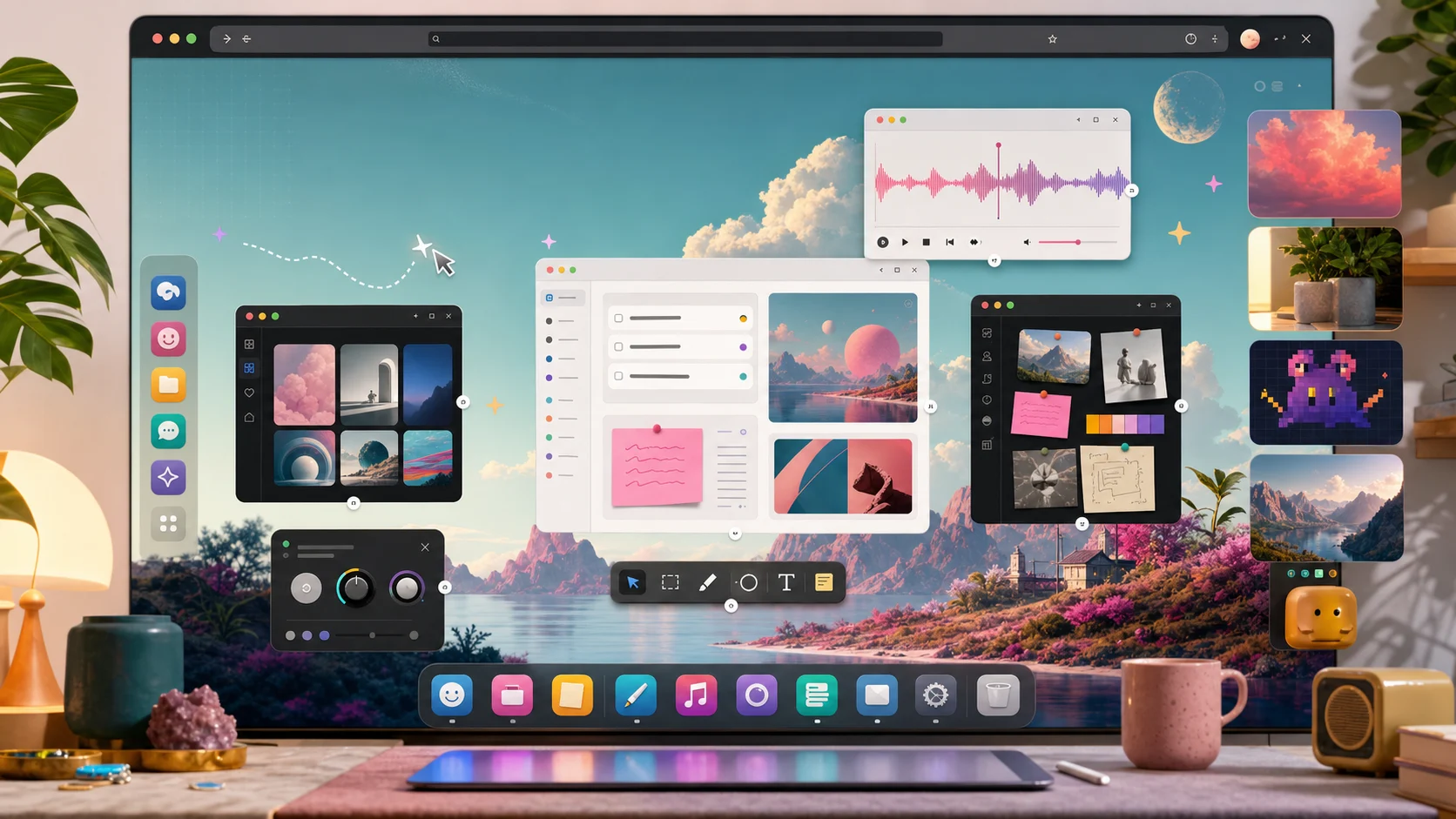
WordPress has always been a place people build for others. Posts, pages, stores, membership sites, documents, campaigns, dashboards. The admin area, though, has usually asked everyone to work the same way. Same menus. Same gray corridors. Same feeling that the tool belongs to the software more than it belongs to you.
WP Desktop Mode changes that metaphor. It says WordPress can be a workspace, not just an admin panel. ODD builds on that idea with wallpapers, icon sets, cursors, widgets, and small apps that sit inside the desktop. It is playful on purpose, but the point is not decoration for decoration's sake. The point is ownership.
Why customization matters
People customize their workspaces because defaults are built for the average session, not for a real day. A real day has interruptions, favorite tools, project context, muscle memory, mood, fatigue, and tiny rituals that help you begin again.
The baseline that makes the idea real
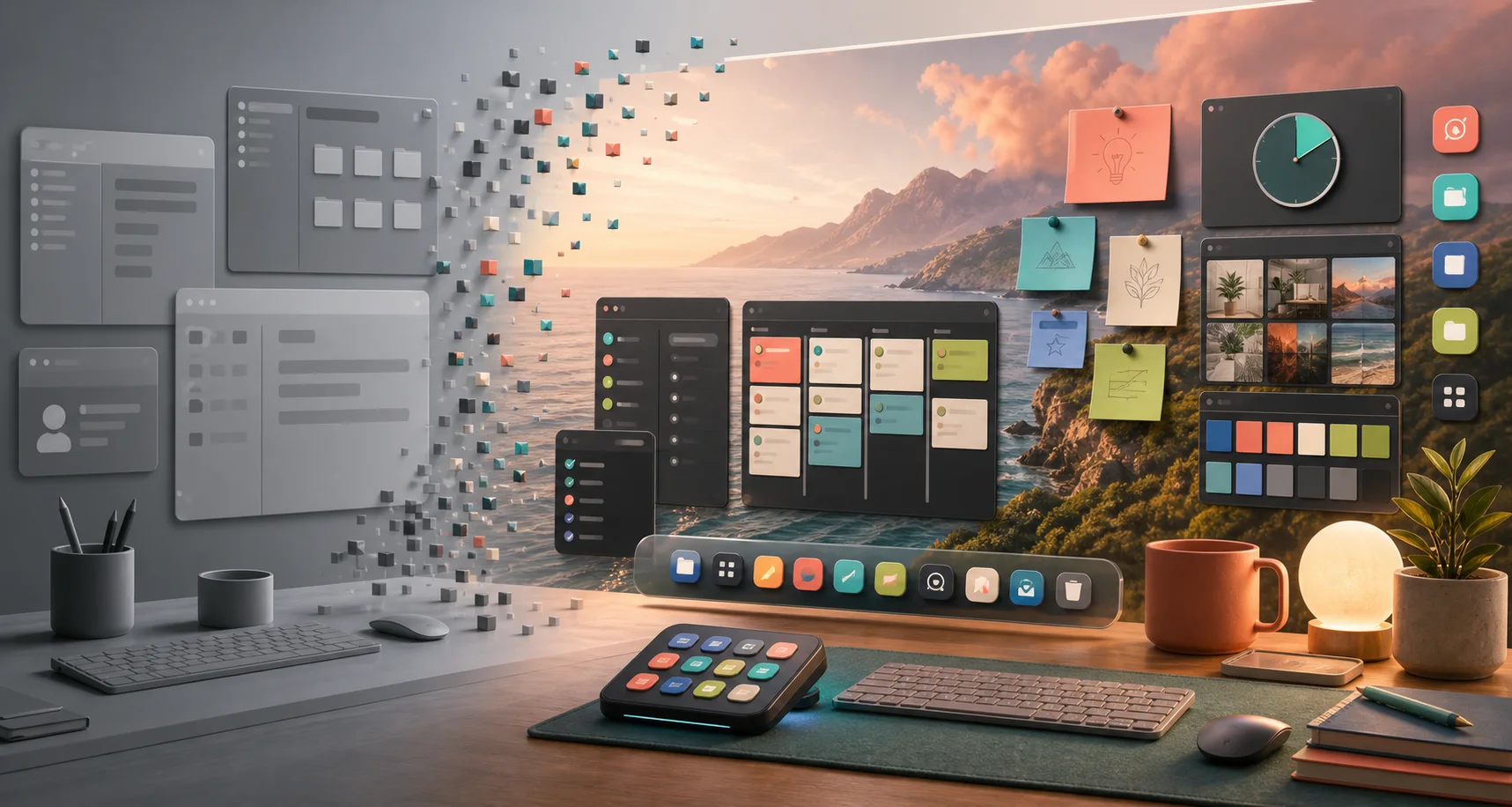
ODD 1.0.0 is practical on purpose. It includes the path fixes that keep Playground app windows from going blank. WordPress Playground can run a site under a scoped path, and app iframes, runtime modules, and REST calls all need to stay inside that scope. The public baseline keeps those generated URLs scoped, keeps the live iframe mounted from the Desktop Mode window payload, and keeps the iframe visible inside native windows.
That sounds low-level because it is. But it matters for the promise. If the desktop is going to be more than a toy, the apps have to open reliably. A synthesizer, a kanban board, a wiki, a color tool, an invoice tracker, and a pixel editor should feel like windows on a desktop, not fragile demos.
Diagnostics are part of the product
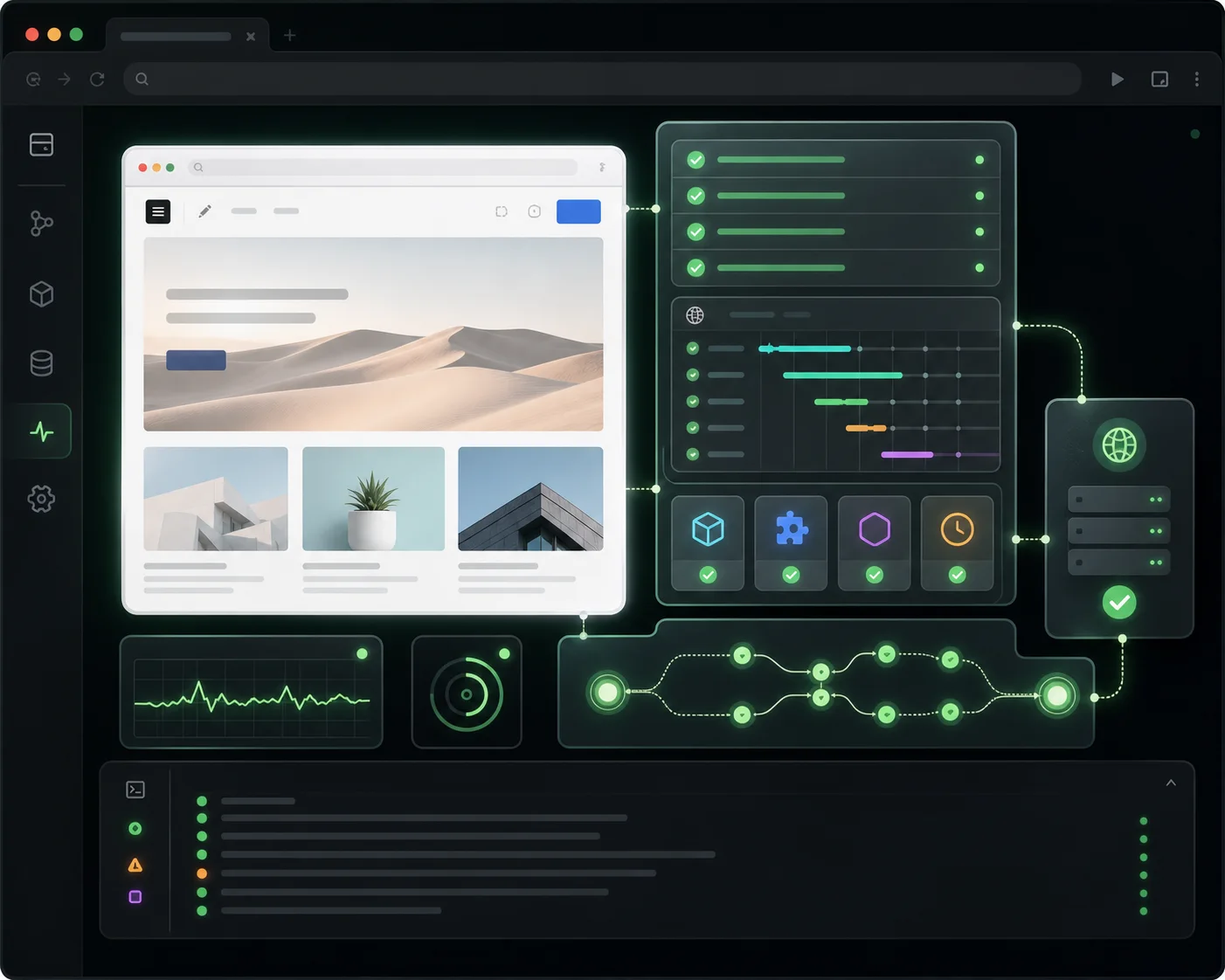
This release also adds a diagnostic system for app loading. It checks whether the app is installed, whether the entry file exists, whether the serve URL is scoped, whether the runtime modules fetch, and whether the live iframe actually has rendered content. In the browser, window.__odd?.diagnostics?.probeApp?.('sine') gives you an immediate report.
That is not glamorous, but it is the difference between "it is blank" and "the app is missing from the installed index" or "the runtime URL escaped the Playground scope." Better diagnostics make the weird parts safer. They let ODD stay playful without becoming mysterious.
What is in 1.0.0
The public Playground installs ODD 1.0.0 and pins WP Desktop Mode to the official 0.8.5 release zip from WordPress.org. The dev Playground still tracks ODD main, but it now pins Desktop Mode 0.8.6 instead of relying on a moving latest zip. That means the normal demo is reproducible, and the trunk demo is honest about being trunk.
The Shop catalog is live content, not a reason to cut a plugin release every time a new wallpaper, widget, cursor set, icon pack, or tiny app is ready. ODD fetches the static catalog, validates the rows, keeps bundle and preview URLs under the configured first-party catalog base by default, and checks declared hashes before install.
The stable release is available as ODD v1.0.0 on GitHub. The quickest way to try it is still the live Playground. It opens WordPress, activates Desktop Mode, installs ODD, and drops you into the desktop portal.
The bigger bet
There is a lot of software that treats customization as a distraction. ODD takes the opposite bet: the people closest to the work should be allowed to shape the place where the work happens.
For site owners, that might mean a calmer dashboard. For agencies, it might mean a client workspace that makes the right tools obvious. For builders, it might mean tiny apps living beside WordPress content instead of scattered across another set of tabs. For everyone, it means the admin area can become less like a hallway and more like a room.
Share notes
Here are a few short versions for release posts, newsletters, or social updates.